Account
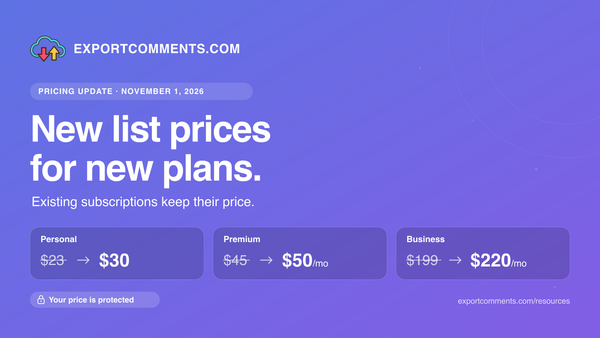
Pricing update: new list prices from November 1, 2026, existing subscriptions unchanged
From November 1, 2026 new subscriptions and passes use updated prices. If you already subscribe, your price stays exactly the same.
THE EXPORTCOMMENTS RESOURCE LIBRARY
Tutorials, guides and workflows for exporting comments, reviews and followers from 60+ platforms.
LEARN. EXPORT. DO MORE.
From November 1, 2026 new subscriptions and passes use updated prices. If you already subscribe, your price stays exactly the same.
Download every sticker, GIF and photo posted in the comments of a TikTok video as one ZIP file, in original quality, with the username of who posted each one.
Export every review an Airbnb host or guest profile has received — with ratings, reviewer location, host/guest role and automatic English translations — to Excel, CSV or JSON.
Export every reply in a Steam Community discussion thread — group forums and game-hub discussions — to Excel, CSV or JSON. Free for public topics, no login.
Export every reply from any Bluesky post, or every post from a whole profile, to Excel, CSV or JSON — with author handles, likes, reposts and full thread depth.
An instant winner on a 50,000-comment post means ~99.8% of entrants were never read. Here's why a fair draw takes 20-30 minutes, and the one test that proves your tool is honest: can you download the full entrant list?
Running a giveaway is one of the fastest ways to grow on social media — but only if the draw is provably fair. This guide shows you how to pick a
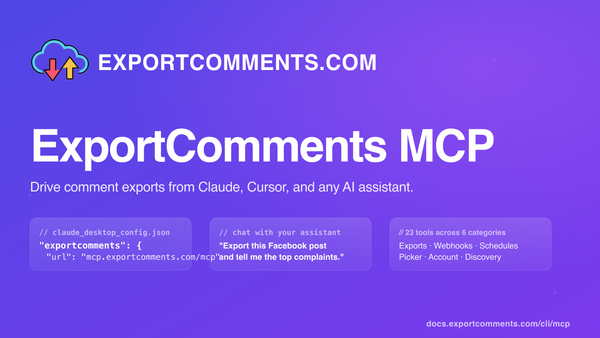
Connect ExportComments to Claude Desktop, Claude on the web, Cursor, Windsurf, or any MCP-compatible AI assistant. Your assistant can then create exports, poll status, download data, summarise complaints, and pick giveaway winners — all without leaving the chat.
Export every comment from any Kuaishou (快手) short video — author, UID, likes, reply count and timestamps — to Excel, CSV or JSON.
Download every Chrome Web Store extension review — with star rating, language, helpful count and replies — to Excel, CSV or JSON.
Export every Flipkart product review — with star rating, verified-buyer flag, photos, seller name and helpful votes — to Excel, CSV or JSON.
Two ways to export Figma comments — community-plugin feedback (public) and design-file comments (via personal access token) — to Excel, CSV or JSON.